Interface Overview
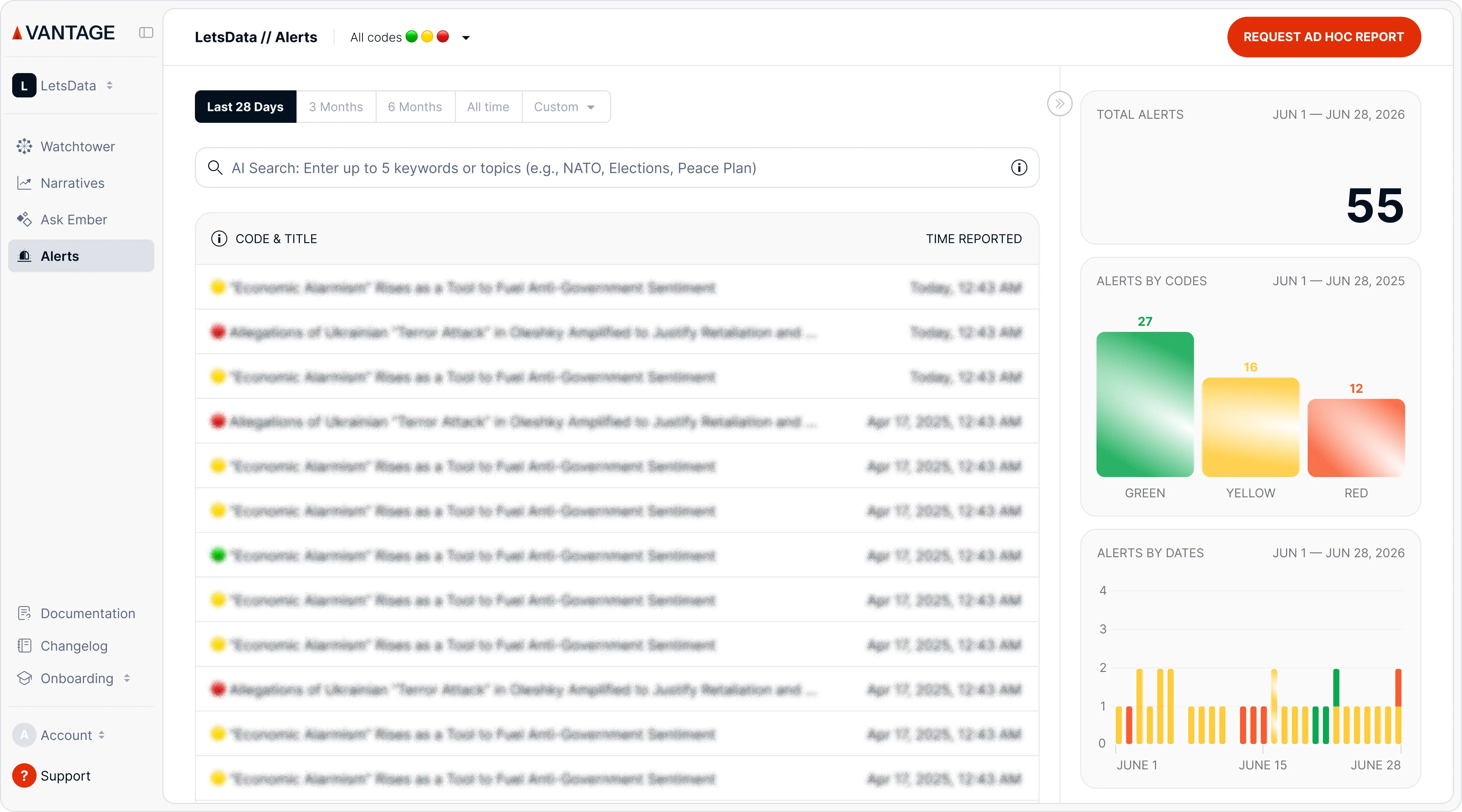
Alert is an early warning for a potentially high-impact or viral event, helping you counter threats or amplify positive opportunities. We use color codes to help you prioritize incidents instantly:
🔴 Code Red: Requires immediate attention. The event is either critical by nature or is rapidly going viral.
🟡 Code Yellow: Requires attention. The event is developing, but its speed is currently stable.
🟢 Code Green: Informative. A development you should be aware of, but it doesn't require an instant reaction.
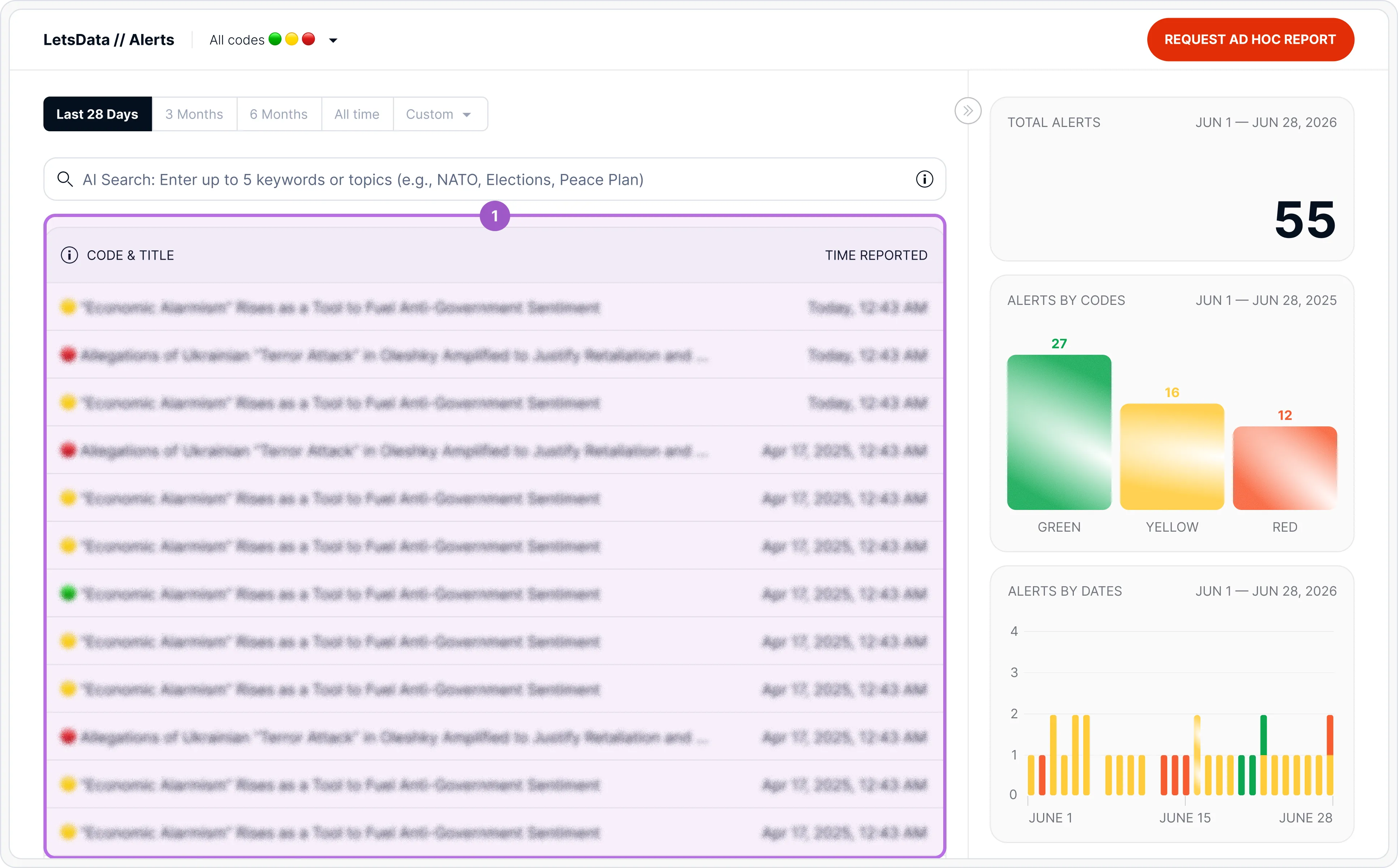
1 — Your feed for all alerts reported
This is your feed for all alerts reported, with the most recent at the top.
💡Use color codes (🔴, 🟡, 🟢) to spot urgent incidents, and click on them to investigate more.
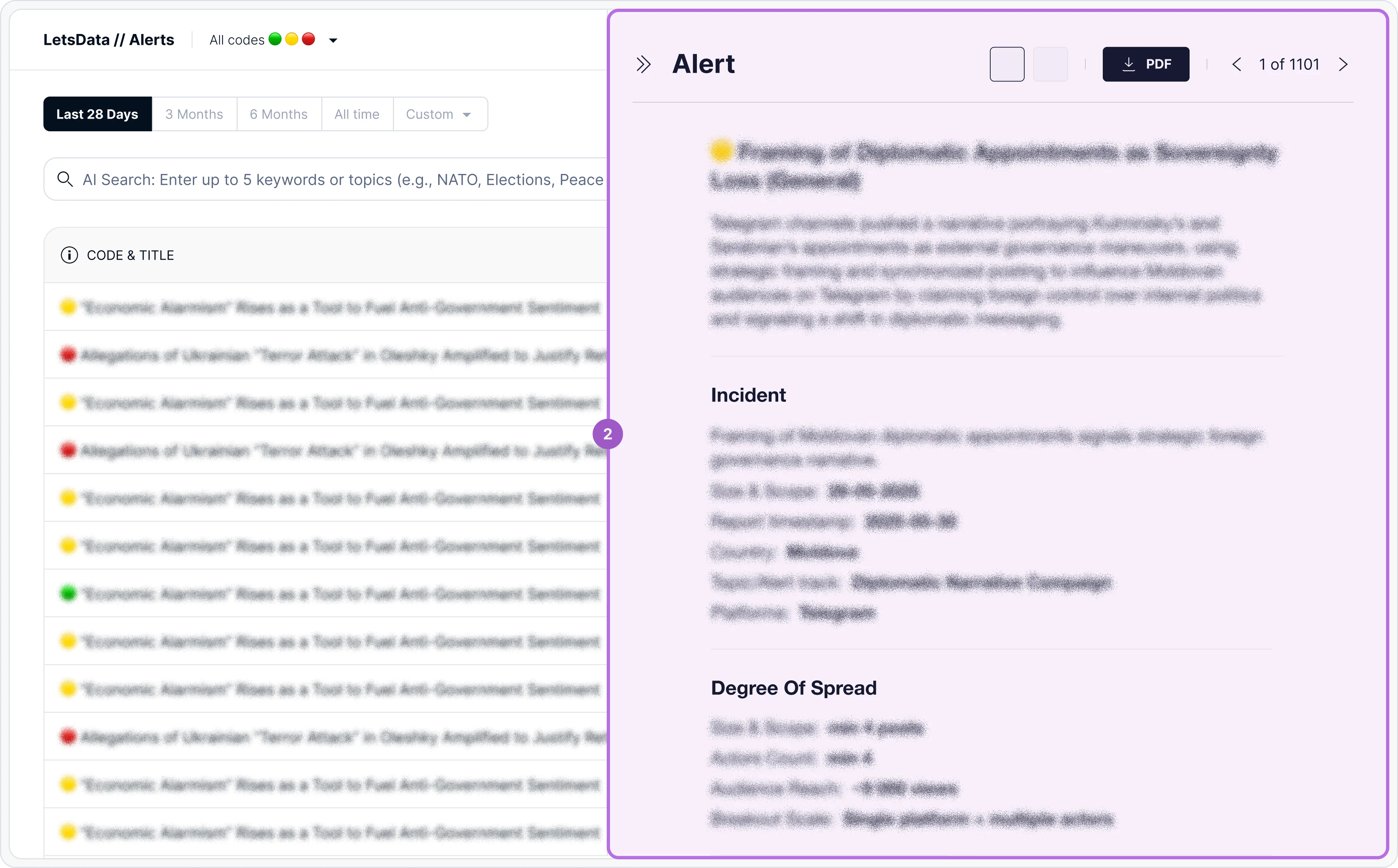
2 — Open Alert
Clicking on an alert in the table opens it in the panel on the right.
On the full view, you get all the details on the alert, including: ⚠️ "Incident" Line: Answers "Why is this an alert?" by showing what's new or unusual. 📈 Degree of Spread: Key metrics that instantly show the incident's scale and potential impact. 🧠 Behavioral Patterns: The specific tactics used, revealing the operation's unique signature.
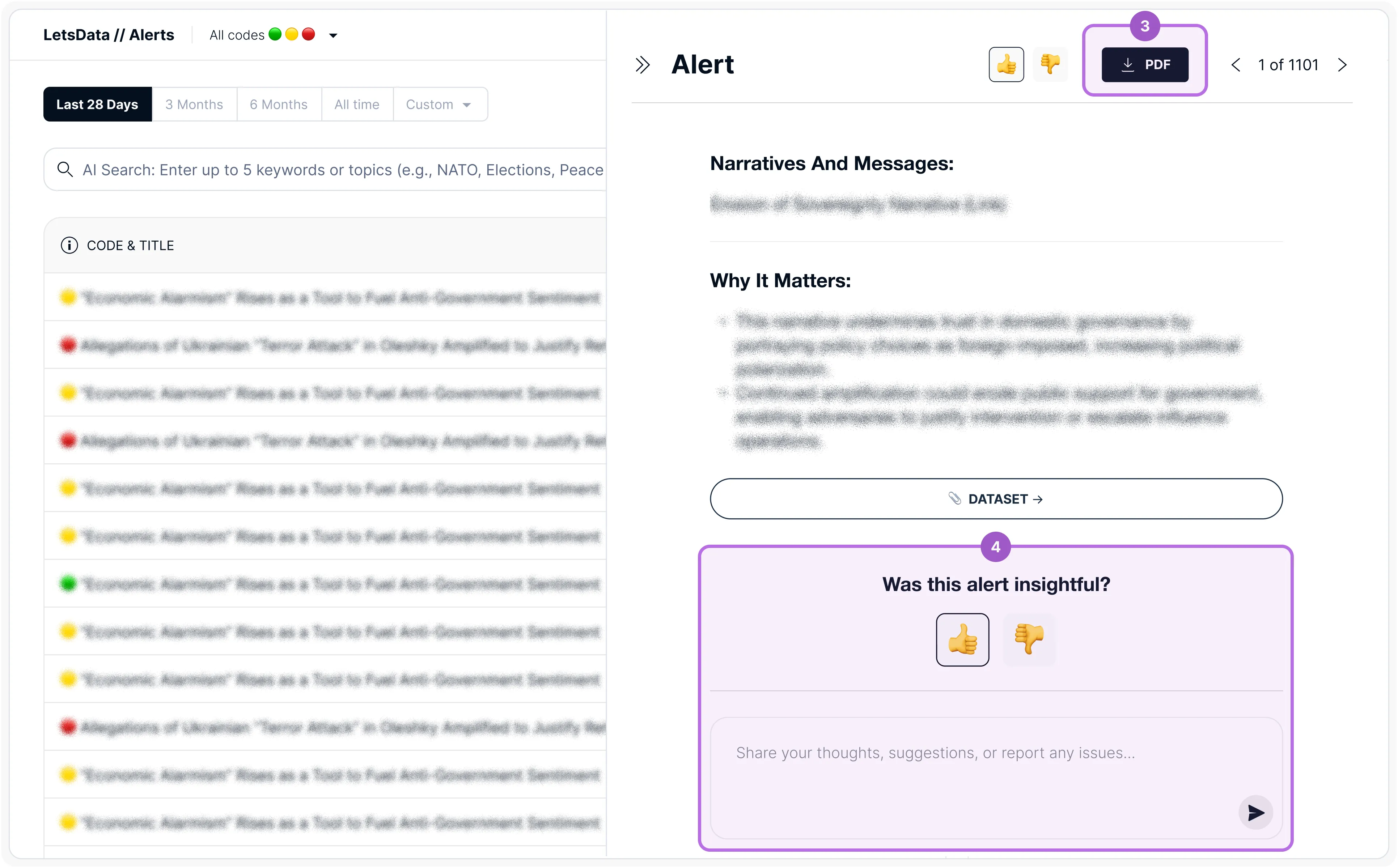
3 — Download PDF
Export a full PDF of this alert for easy saving or sharing by clicking the ‘Download PDF’ button.
4 — Rate the Alert
👍 Rate the insightfulness of alerts with a thumbs up or down, and leave comments or requests. Your feedback directly shapes future alerts, making them more even more relevant for you.
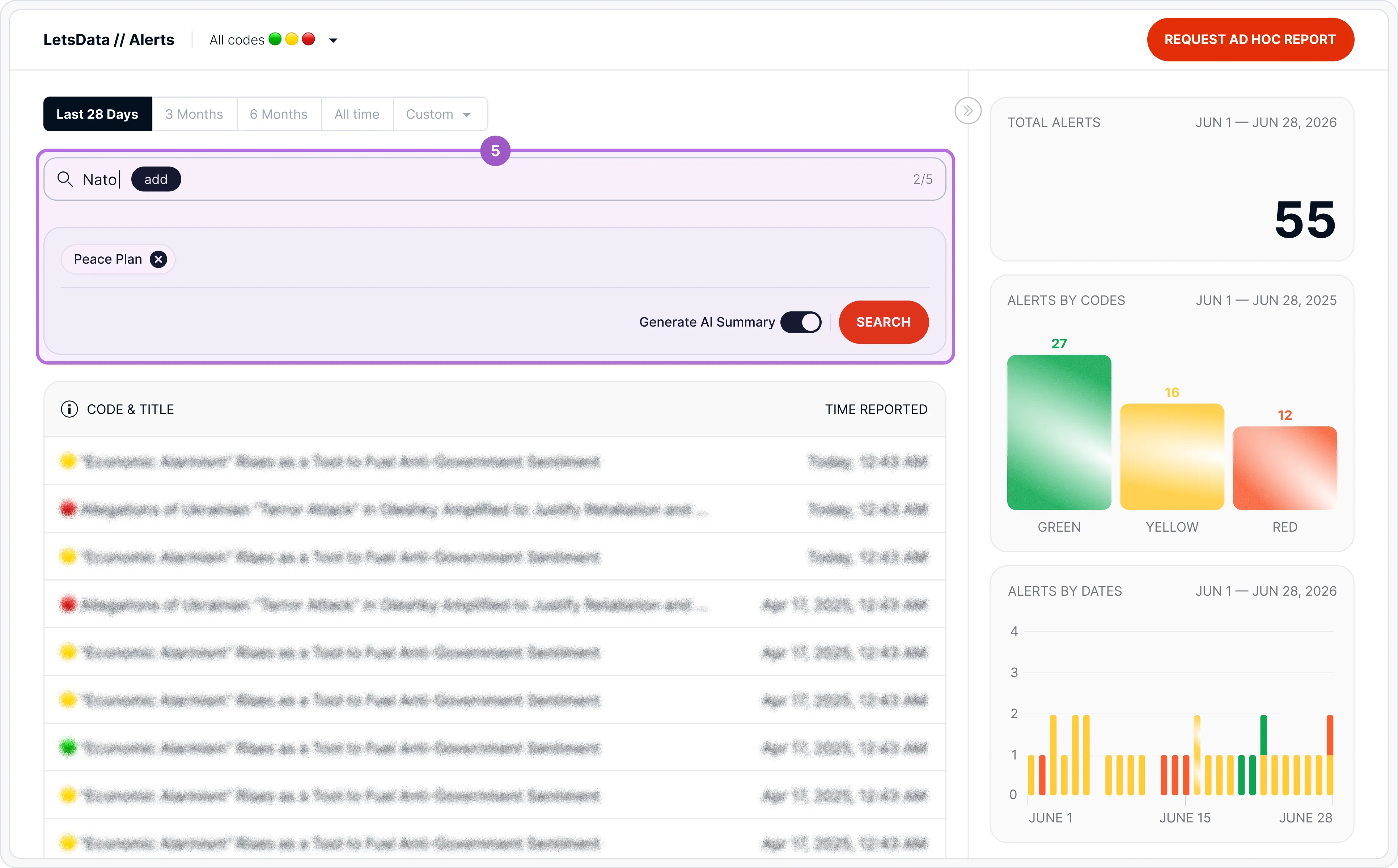
5 — AI Search
Enter keyphrases to find alerts related to the topics of your interest. The Logic: Keyphrase A + Keyphrase B = Only alerts where both concepts appear.
💡 Note: Search applies to reported alerts only. To generate brief narrative analysis on all data collected under your subscription, use Ask Ember.
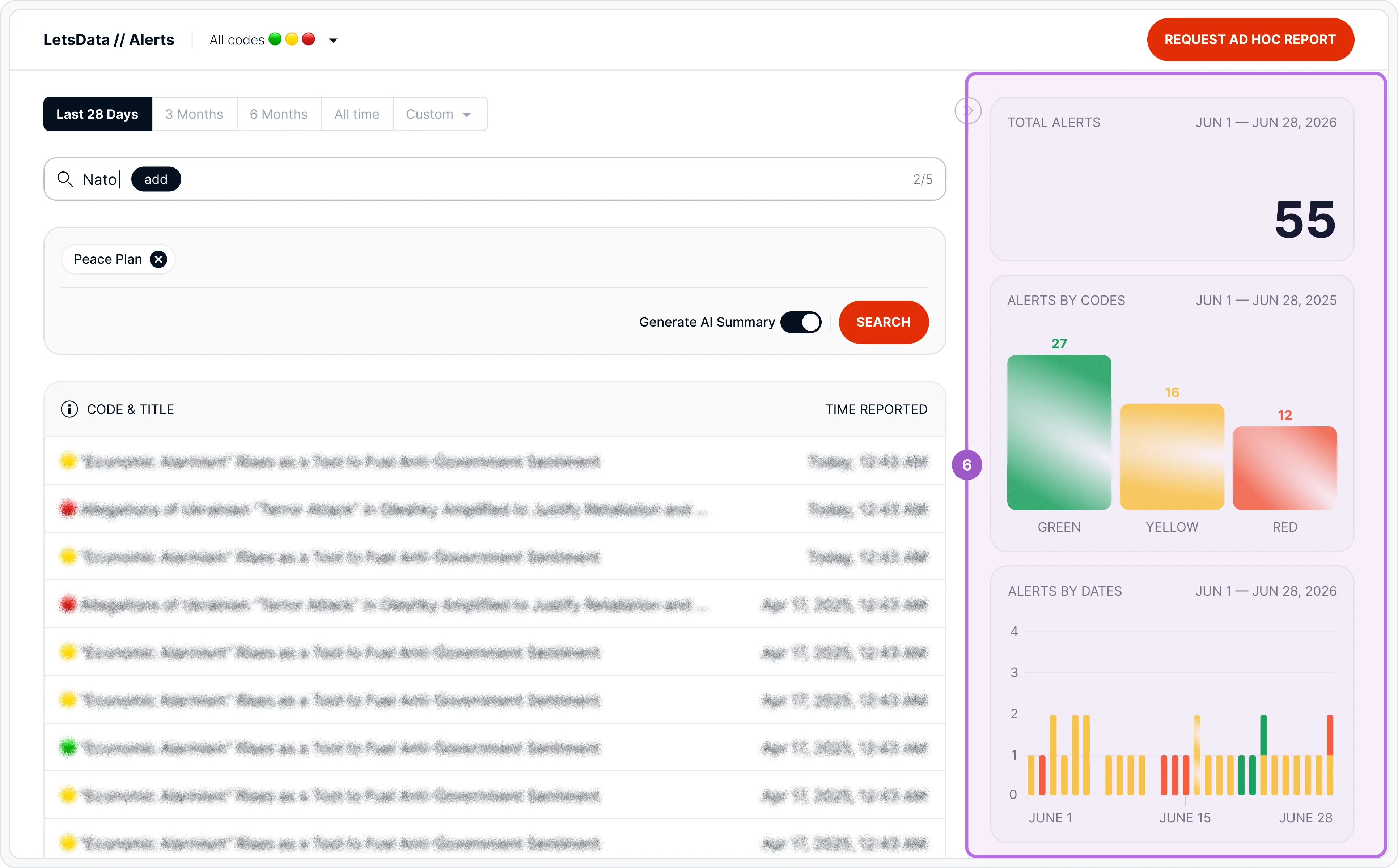
6 — Statistics
View the total number of reported alerts to understand the overall landscape.
Answer what types of alerts are most common and when they happen with visual distribution by codes and dates.
Have a question? Our team is ready to help via the Support form.
Last Updated: 30 August, 2026